Best Electronic Signature Software in 2026 (Tested & Ranked)
Best Electronic Signature Software in 2026 (Tested & Ranked)

Electronic signature software has become an essential tool for businesses of all sizes. Whether you’re sending contracts, onboarding clients, signing HR documents, or closing sales, e-signature platforms make the process faster, more secure, and completely paperless.
But with so many options available, choosing the right one can be challenging.
In this guide, we’ll compare the best electronic signature software in 2026 based on ease of use, features, pricing, integrations, security, and overall value.
Quick Comparison
Software | Best For | Free Plan |
|---|---|---|
DocuSign | Best Overall | Free Trial |
PandaDoc | Sales Teams & Proposals | Yes |
Adobe Acrobat Sign | PDF Workflows | Free Trial |
DocHub | PDF Editing & Signing | Yes |
Dropbox Sign | Google Workspace & Dropbox Users | Free Trial |
SignNow | Affordable Business Signing | Free Trial |
Jotform Sign | Forms & Document Automation | Yes |
Zoho Sign | Businesses Using Zoho | Yes |
1. DocuSign – Best Overall
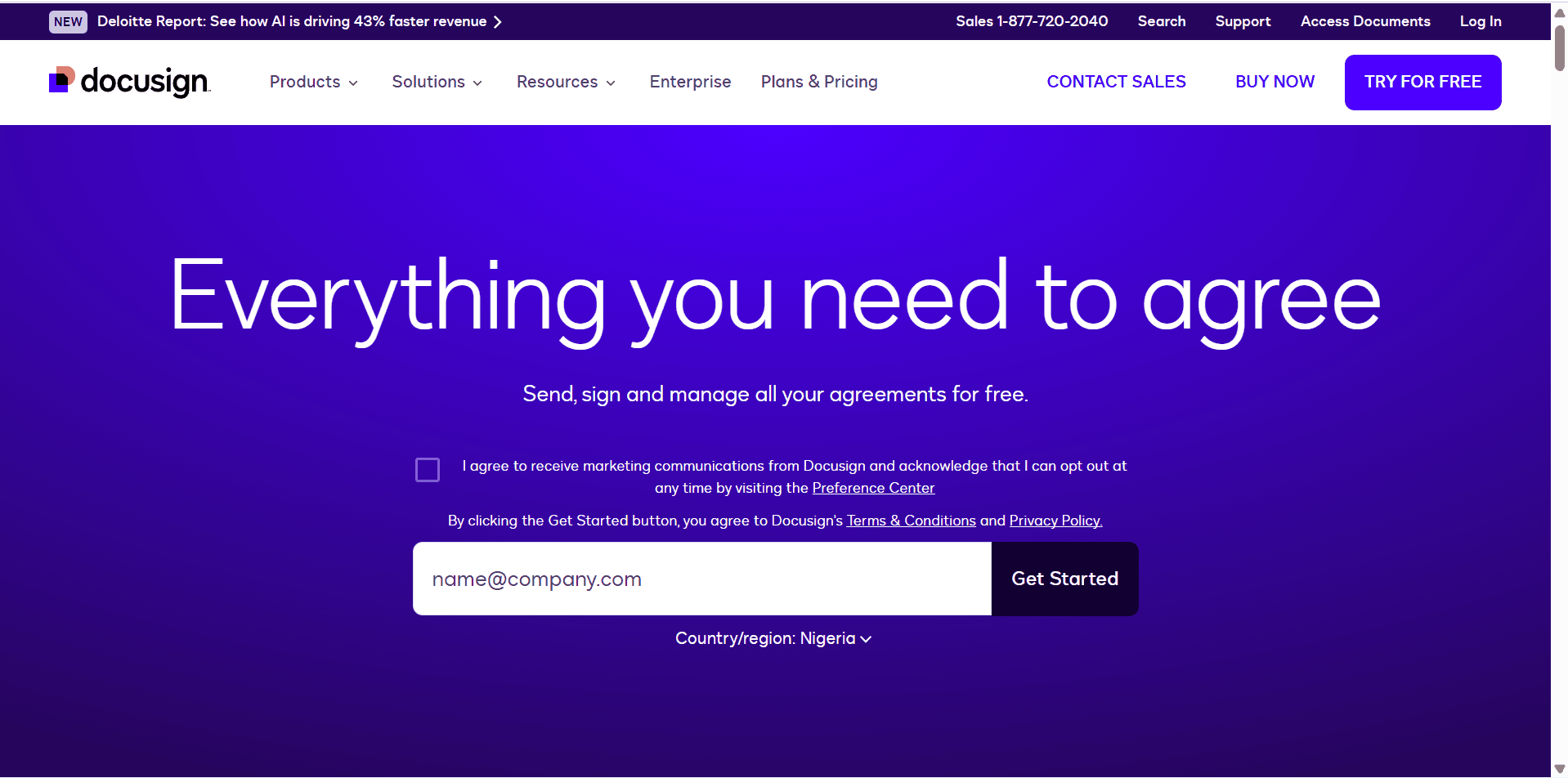
If you’re looking for the industry standard in electronic signatures, DocuSign is hard to beat.
Trusted by businesses worldwide, DocuSign offers secure document signing, detailed audit trails, advanced authentication, and integrations with hundreds of business applications. It has also expanded into AI-powered agreement management to streamline the entire contract lifecycle.
Best Features
Legally binding electronic signatures
Templates
Bulk sending
Workflow automation
Mobile app
Audit trails
Identity verification
Advanced security
Pros
Industry-leading reputation
Excellent integrations
Highly secure
Easy recipient experience
Cons
More expensive than many competitors
Advanced features require higher-tier plans
Best For: Medium to large businesses, legal teams, enterprise organizations
2. PandaDoc – Best for Sales Teams
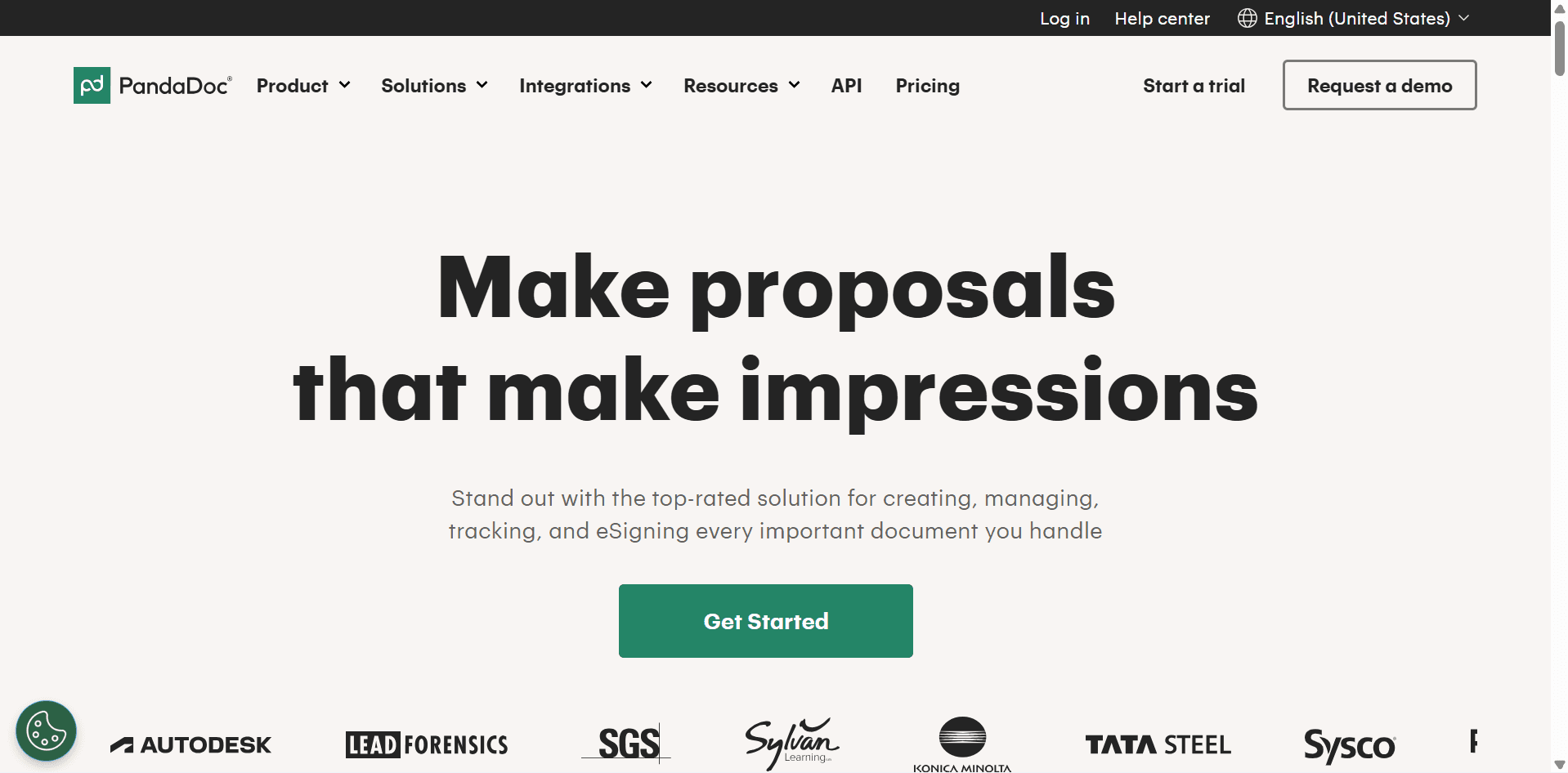
PandaDoc is much more than an electronic signature platform.
It combines document creation, proposals, quotes, approvals, payment collection, and signatures into one system.
If your business sends proposals regularly, PandaDoc can significantly speed up your sales process. It is consistently ranked among the top e-signature platforms for document creation and sales workflows.
Best Features
Proposal builder
Templates
Electronic signatures
CRM integrations
Payment collection
Analytics
Pros
Excellent proposal tools
Great automation
User-friendly interface
Cons
More features than some users need
Best For: Sales teams, agencies, freelancers
3. Adobe Acrobat Sign – Best for PDF Documents

Adobe Acrobat Sign integrates seamlessly with Adobe Acrobat, making it one of the best choices for businesses that work heavily with PDF files.
It offers secure signatures, document workflows, Microsoft integrations, and enterprise-grade compliance.
Best Features
PDF editing
Electronic signatures
Microsoft 365 integration
Enterprise security
Mobile signing
Pros
Excellent PDF tools
Reliable platform
Strong compliance features
Cons
Premium pricing
Best value if you already use Adobe products
Best For: Legal teams, enterprises, businesses managing large volumes of PDFs
4. DocHub – Best for PDF Editing
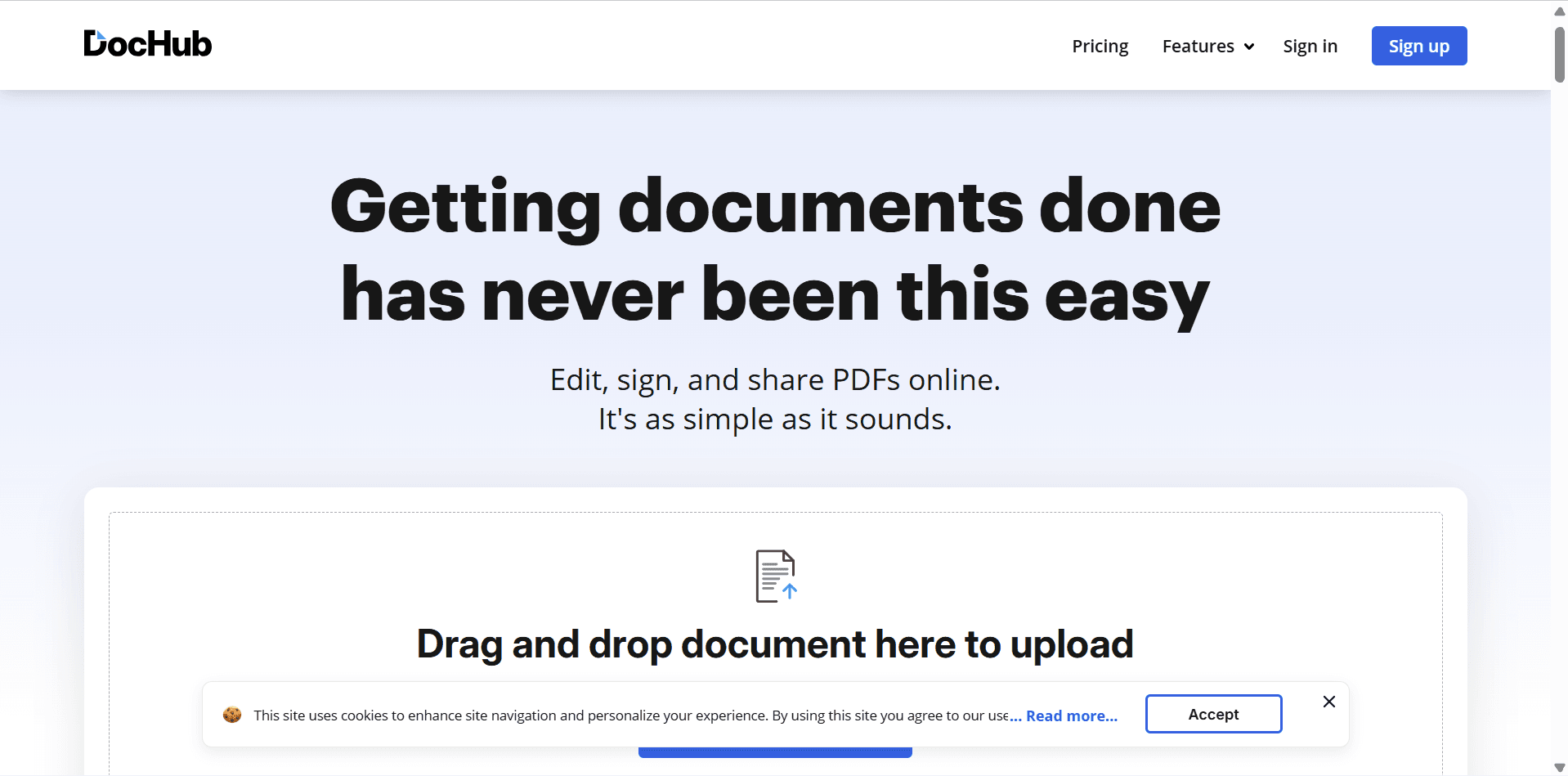
DocHub combines PDF editing with electronic signatures.
It’s ideal for users who frequently annotate documents, complete fillable forms, and collect signatures without needing a full contract management platform.
Best Features
PDF editor
Fillable forms
Signature requests
Google Drive integration
Cloud storage support
Pros
Very easy to use
Affordable
Great free plan
Excellent PDF editing
Cons
Limited workflow automation
Best For: Small businesses, teachers, freelancers, consultants
5. Dropbox Sign – Best for Small Businesses
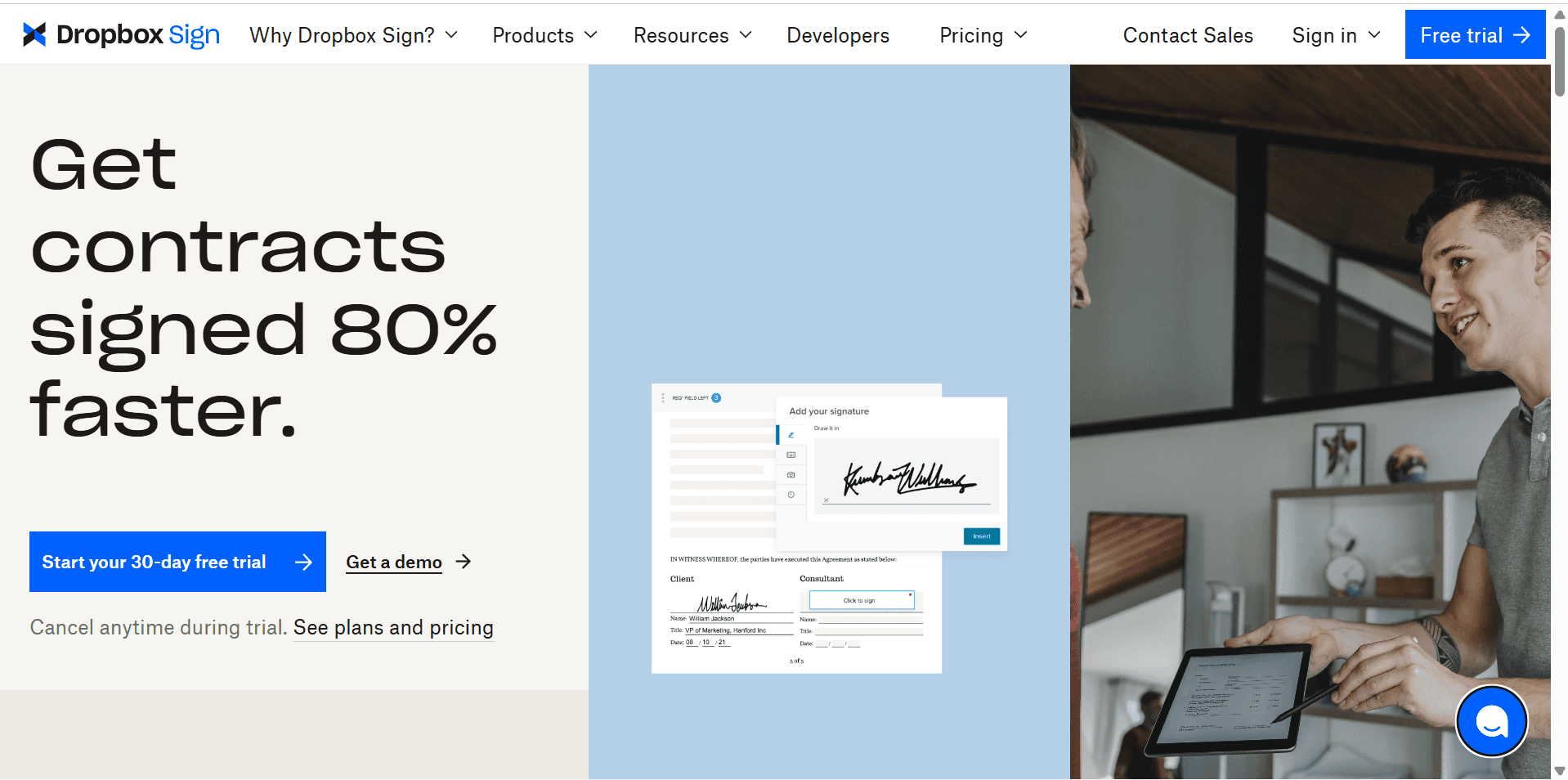
Formerly known as HelloSign, Dropbox Sign focuses on simplicity.
It offers an intuitive signing experience and integrates well with Dropbox, Google Workspace, and popular productivity tools.
Best Features
Unlimited templates
Audit trails
Team management
API access
Cloud integrations
Pros
Clean interface
Easy setup
Good integrations
Cons
Advanced automation is limited
Best For: Small businesses and startups
6. SignNow – Best Value for Businesses
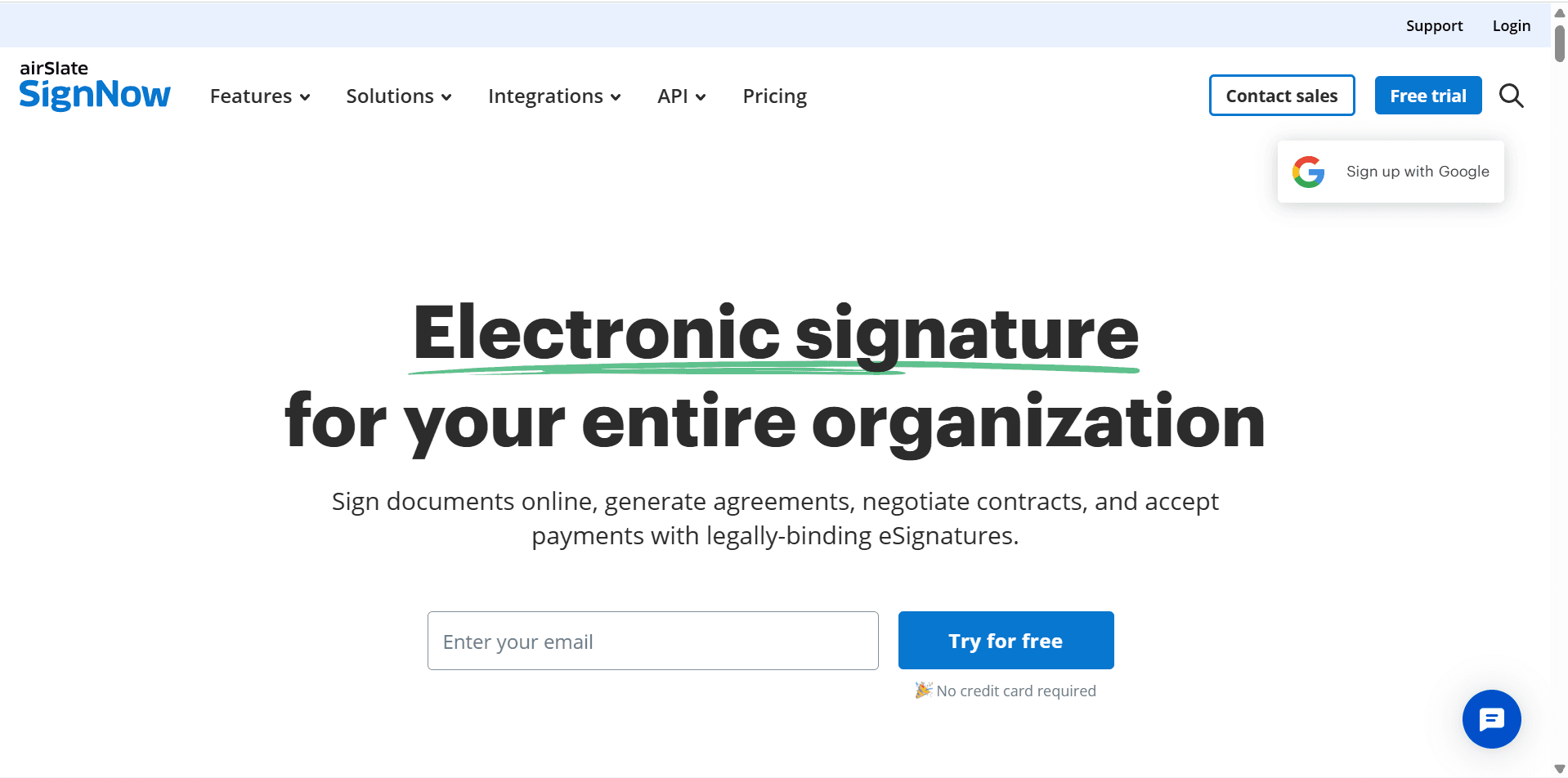
SignNow offers many enterprise-level features at a competitive price, making it one of the best-value options for growing businesses. Independent reviews frequently highlight its affordability and support for team collaboration.
Best Features
Team workflows
Bulk sending
Shared templates
Mobile app
API
Pros
Affordable pricing
Strong business features
Easy collaboration
Cons
Interface could be more modern
Best For: Small and medium-sized businesses
7. Jotform Sign – Best for Forms & Automation
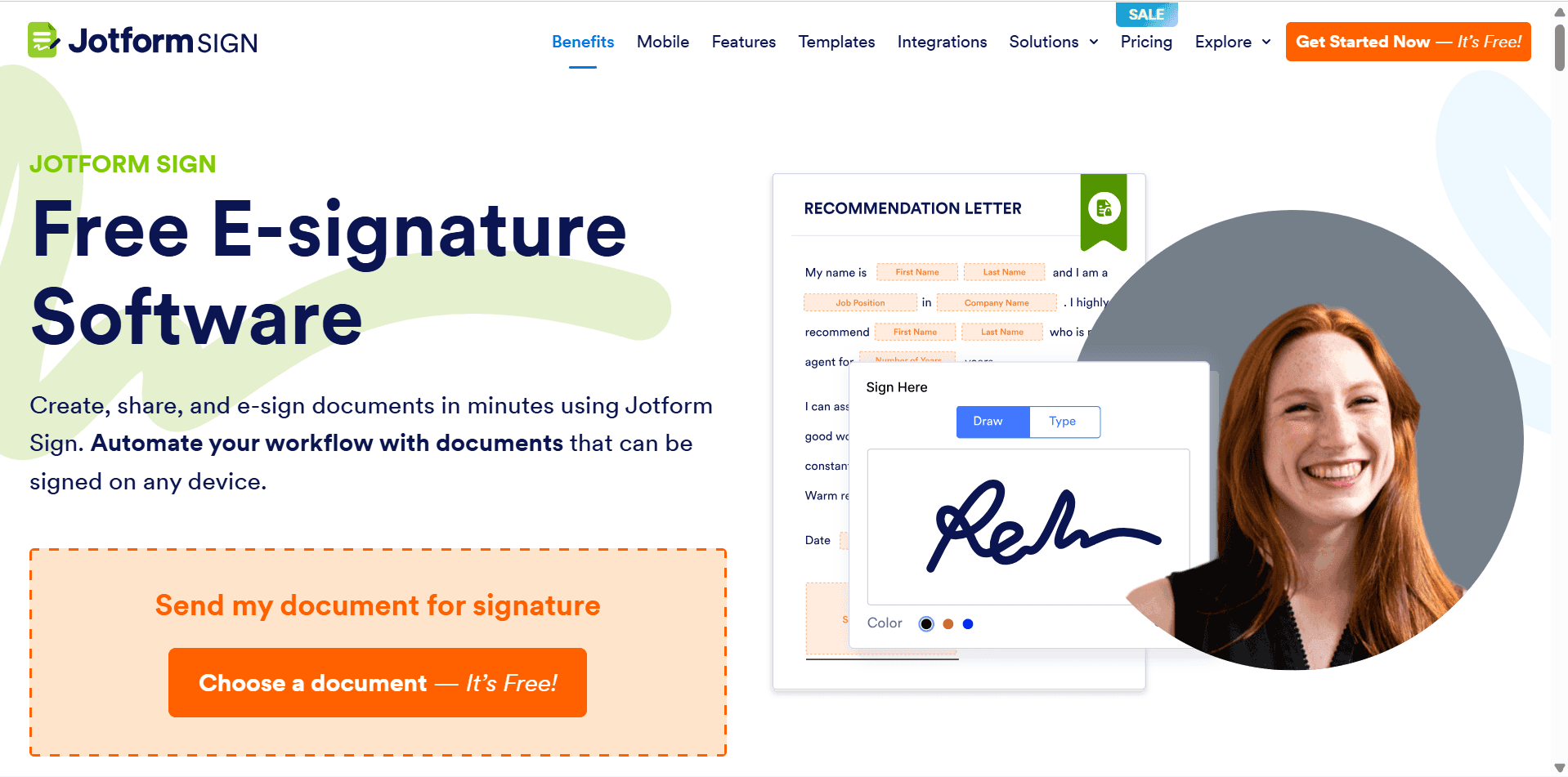
If your business already uses Jotform, Jotform Sign is a natural extension.
You can combine online forms with legally binding electronic signatures, making it ideal for onboarding, applications, and approvals.
Best Features
Form builder
PDF generation
Signature collection
Workflow automation
Templates
Pros
Excellent for automated forms
Easy to customize
Free plan available
Cons
Less suitable for complex contract management
Best For: HR teams, schools, nonprofits, service businesses
8. Zoho Sign – Best for Zoho Users

Businesses already using the Zoho ecosystem will appreciate how seamlessly Zoho Sign integrates with Zoho CRM, Zoho Books, Zoho Projects, and other Zoho applications.
Best Features
Workflow automation
CRM integration
Mobile signing
Team collaboration
Compliance tools
Pros
Excellent ecosystem integration
Affordable
Easy automation
Cons
Best suited for existing Zoho users
Best For: Businesses already using Zoho products
Comparison Table
Software | Ease of Use | Automation | Templates | Mobile App | Best For |
|---|---|---|---|---|---|
DocuSign | ⭐⭐⭐⭐⭐ | ⭐⭐⭐⭐⭐ | Yes | Yes | Overall Best |
PandaDoc | ⭐⭐⭐⭐⭐ | ⭐⭐⭐⭐⭐ | Yes | Yes | Sales Teams |
Adobe Acrobat Sign | ⭐⭐⭐⭐☆ | ⭐⭐⭐⭐☆ | Yes | Yes | PDF Workflows |
DocHub | ⭐⭐⭐⭐⭐ | ⭐⭐⭐☆☆ | Yes | Yes | PDF Editing |
Dropbox Sign | ⭐⭐⭐⭐⭐ | ⭐⭐⭐⭐☆ | Yes | Yes | Small Businesses |
SignNow | ⭐⭐⭐⭐☆ | ⭐⭐⭐⭐☆ | Yes | Yes | Budget Option |
Jotform Sign | ⭐⭐⭐⭐⭐ | ⭐⭐⭐⭐☆ | Yes | Yes | Forms |
Zoho Sign | ⭐⭐⭐⭐☆ | ⭐⭐⭐⭐☆ | Yes | Yes | Zoho Users |
How to Choose the Right Electronic Signature Software
When comparing platforms, consider these factors:
Ease of use
Security and compliance
Workflow automation
Integrations with your existing tools
Mobile support
Pricing
Template management
Audit trails
Team collaboration
The best choice depends on your business size, document volume, and existing software stack.
Are electronic signatures legally binding?
Yes. Most reputable e-signature platforms comply with regulations such as the U.S. ESIGN Act, UETA, and the EU’s eIDAS framework, making signatures legally enforceable in many jurisdictions when used appropriately.
Which electronic signature software is best overall?
DocuSign remains the top overall choice due to its security, broad integrations, and advanced workflow capabilities.
Which software is best for freelancers?
DocHub, PandaDoc, and SignNow are excellent choices because they offer affordable pricing and easy-to-use interfaces.
Which software is best for sales teams?
PandaDoc is the strongest option thanks to its proposal builder, CRM integrations, document analytics, and payment collection features.
Final Verdict
Choosing the right electronic signature software depends on your workflow, budget, and business needs.
Choose DocuSign if you want the most trusted and feature-rich platform.
Choose PandaDoc if you regularly send proposals and sales documents.
Choose Adobe Acrobat Sign if you work extensively with PDF files.
Choose DocHub if you need affordable PDF editing and signatures.
Choose Dropbox Sign if you value simplicity and cloud storage integration.
Choose SignNow if you’re looking for enterprise-level features at a lower price.
Choose Jotform Sign if your business relies on online forms.
Choose Zoho Sign if you’re already invested in the Zoho ecosystem.
For most businesses in 2026, DocuSign remains the best overall electronic signature platform thanks to its security, reliability, integrations, and scalable workflow features.
Frequently Asked Questions
Related Articles
DocHub Fillable Form Tutorial
DocuSign Review
PandaDoc Review
Adobe Acrobat Sign Review
Best PDF Editors for Business
Create a No-Code Business Automation System
10 SaaS Tools Every Online Business Needs
The Best AI Tools for Entrepreneurs in 2026


