Zapier vs Make:
How to Automate Your Business in 2026

Business automation has become one of the biggest competitive advantages for entrepreneurs, agencies, and online businesses.
Instead of manually moving data between apps, sending repetitive emails, updating CRMs, and managing workflows, automation tools can handle much of that work automatically.
Two of the most popular automation platforms are Zapier and Make.
Both tools help connect your software stack and automate repetitive tasks without coding, but they take very different approaches.
So which one should you choose?
In this comparison, we’ll break down Zapier vs Make, compare their features, pricing, ease of use, and automation capabilities, and help you decide which platform is best for your business.
Quick Overview
Best For: Workflow automation, business process automation, app integrations
Ideal Users: Entrepreneurs, agencies, marketers, sales teams, and online businesses
Pricing: Free plans available on both platforms
Winner for Beginners: Zapier
Winner for Advanced Automation: Make
🎥 Watch the Full Video Comparison
[Embed YouTube Video Here]
What Are Zapier and Make?
Both platforms allow you to connect apps and automate workflows without writing code.
Instead of manually performing repetitive tasks, you create automated workflows that run in the background.
Examples:
Add leads to a CRM
Send automated emails
Create project management tasks
Sync customer data
Generate reports
Update spreadsheets
Manage support tickets
The goal is simple:
Save time and eliminate manual work.
Zapier Overview
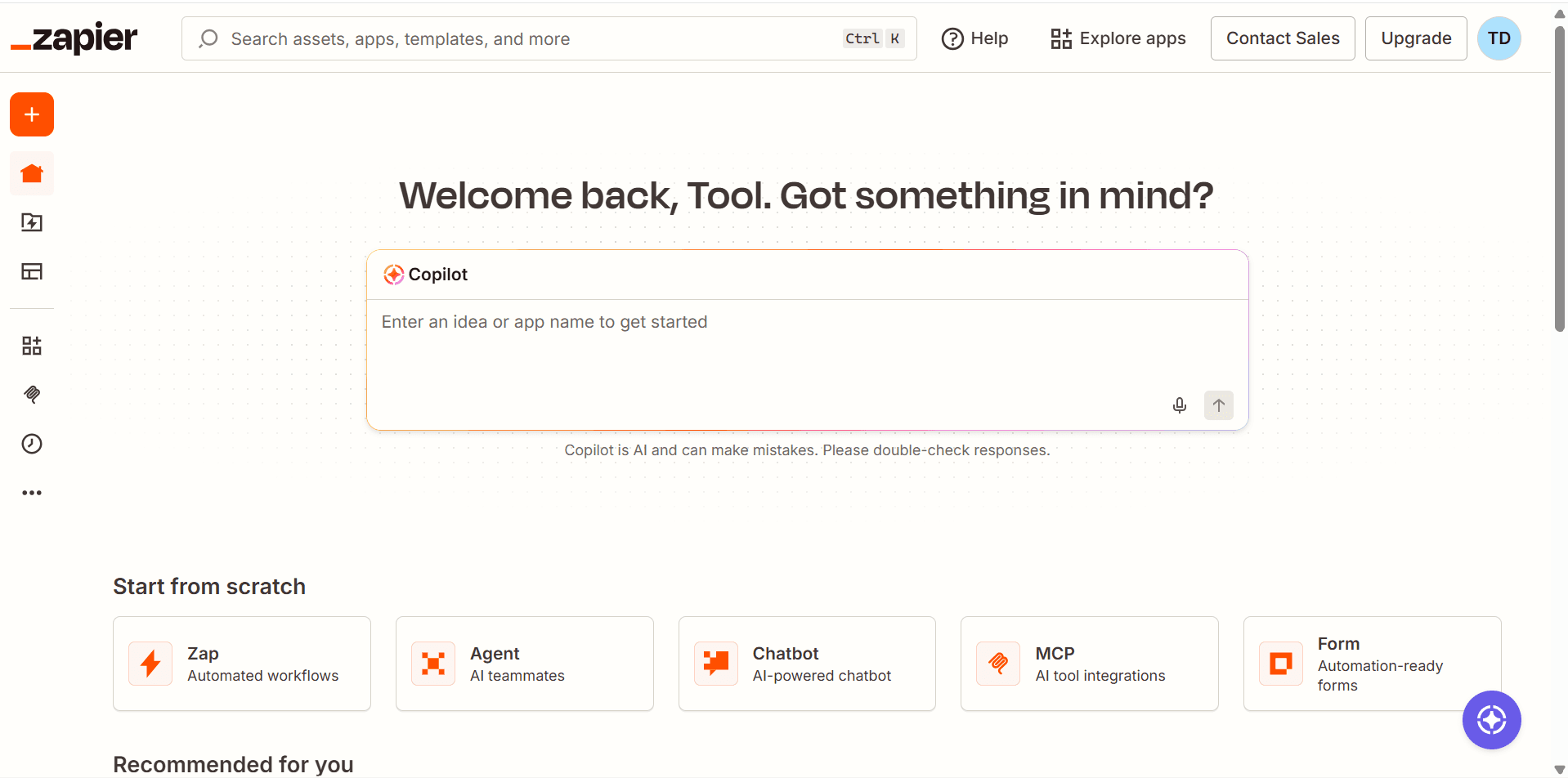
Zapier is one of the most popular no-code automation tools in the world.
It focuses on simplicity and ease of use.
With Zapier, you create workflows called Zaps.
Example:
New Website Lead
↓
Add Contact to HubSpot
↓
Send Welcome Email
↓
Create Follow-Up Task
Even beginners can build automations in minutes.
Make Overview
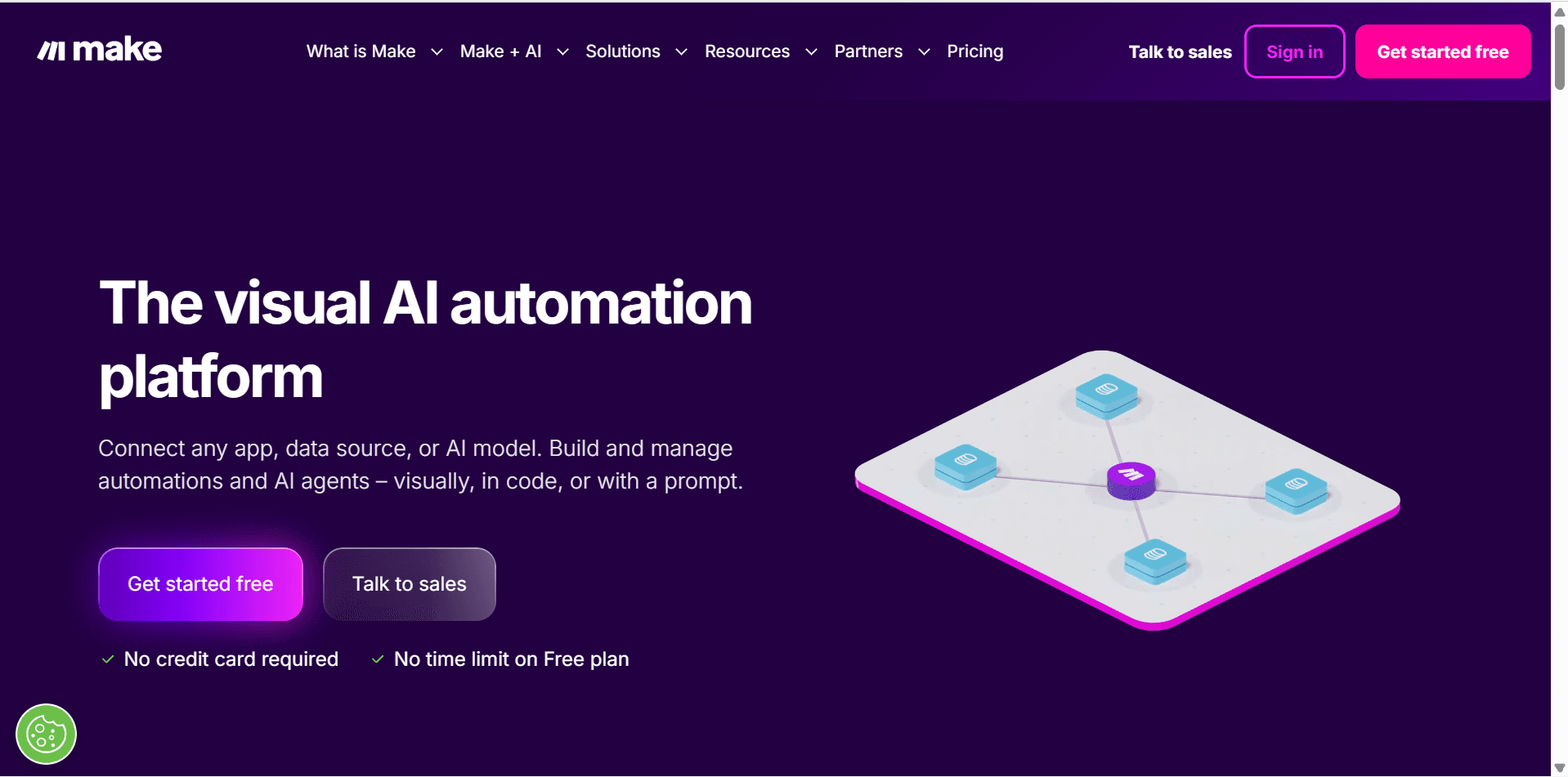
Make (formerly Integromat) is a visual automation platform designed for more advanced workflows.
Instead of a simple step-by-step process, Make uses a visual builder that allows complex branching, logic, filtering, and data manipulation.
Example:
New Lead
↓
Check Lead Source
↓
Route Based on Criteria
↓
Update Multiple Systems
↓
Notify Team
↓
Generate Report
Make provides significantly more flexibility.
Feature Comparison
Feature | Zapier | Make |
|---|---|---|
Ease of Use | ⭐⭐⭐⭐⭐ | ⭐⭐⭐ |
Visual Workflow Builder | Limited | Excellent |
Advanced Logic | Good | Excellent |
Learning Curve | Low | Medium |
App Integrations | Excellent | Excellent |
AI Automation | Strong | Strong |
Scalability | High | High |
Custom Workflows | Good | Excellent |
Reporting | Good | Good |
Beginner Friendly | Excellent | Moderate |
Ease of Use
Zapier Wins
If you’re new to automation, Zapier is usually the easiest platform to learn.
The interface is straightforward:
Trigger
↓
Action
↓
Action
↓
Action
Most workflows can be created in a few minutes.
Examples:
New form submission
Send email
Create CRM contact
Add task
The platform guides you through the setup process step-by-step.
Best For
Beginners
Small businesses
Solopreneurs
Non-technical users
Make Requires More Learning
Make uses a visual canvas.
Instead of simple workflows, you build automation scenarios.
This provides more flexibility but introduces complexity.
Example:
Lead Submitted
↓
Filter Conditions
↓
Branch A
↓
Branch B
↓
Update Multiple Apps
↓
Generate Reports
The learning curve is higher, but so is the potential.
Best For
Advanced users
Agencies
Operations teams
Businesses with complex workflows
App Integrations
Both platforms offer thousands of integrations.
Popular integrations include:
HubSpot
Pipedrive
ClickUp
Notion
Gmail
Google Sheets
Slack
ActiveCampaign
MailerLite
Calendly
Shopify
For most businesses, either platform will support the tools they already use.
Winner
Tie
Workflow Flexibility
This is where Make shines.
Zapier focuses on simplicity.
Make focuses on flexibility.
Examples of advanced Make features:
Routers
Filters
Conditional logic
Data transformation
Complex workflows
Multi-step branching
These capabilities make Make significantly more powerful for advanced automation.
Winner
Make
Visual Workflow Builder
Zapier workflows are linear.
Example:
Trigger
↓
Action
↓
Action
↓
Action
Make provides a visual map of your entire automation.
Example:
Trigger
↓
Filter
Action A Action B
↓
Database Update
↓
Notification
This visual approach makes complex workflows easier to understand.
Winner
Make
AI Automation Features
Both platforms have embraced AI integrations.
Popular AI use cases include:
Content generation
Email drafting
Lead qualification
Customer support
Data enrichment
Research automation
Examples:
Lead Captured
↓
AI Categorizes Lead
↓
Assign Pipeline Stage
↓
Generate Follow-Up Email
Both Zapier and Make work well with AI-powered workflows.
Winner
Tie
Pricing Comparison
Zapier
Pros:
Generous ecosystem
Easy setup
Fast deployment
Cons:
Costs can increase quickly as usage grows
Make
Pros:
Often more cost-effective for complex workflows
Higher flexibility
Cons:
More setup time required
Winner
Make often offers better value for advanced users.
Zapier offers better value for simplicity.
Real-World Automation Examples
Example 1: Lead Generation Workflow
Zapier
Website Form
↓
HubSpot Contact
↓
Welcome Email
↓
Create Follow-Up Task
Simple and effective.
Make
Website Form
↓
Check Lead Source
↓
Score Lead
↓
Update CRM
↓
Send Email Sequence
↓
Create Sales Task
↓
Notify Team
↓
Generate Analytics Record
More advanced and customizable.
Example 2: Content Marketing Workflow
New Blog Published
↓
Create Social Media Posts
↓
Add Promotion Tasks
↓
Schedule Email Campaign
↓
Update Content Calendar
Both tools handle this workflow effectively.
Which Tool Is Better for Solopreneurs?
For most solopreneurs:
Zapier
Advantages:
Easier setup
Faster learning
Simpler maintenance
Recommended if:
You want automation without spending hours learning the platform.
Which Tool Is Better for Agencies?
For many agencies:
Make
Advantages:
Advanced logic
Better workflow customization
More scalable processes
Recommended if:
You manage complex client workflows.
My Recommended Automation Stack
For most online businesses:
Function | Tool |
|---|---|
CRM | HubSpot |
Project Management | ClickUp |
Email Marketing | ActiveCampaign |
Knowledge Base | Notion |
Scheduling | Calendly |
AI Assistant | ChatGPT |
Automation | Zapier or Make |
This stack can automate a large percentage of routine business tasks.
Pros and Cons
Zapier Pros
Extremely beginner friendly
Massive integration library
Fast setup
Reliable platform
Excellent documentation
Zapier Cons
Can become expensive
Less flexible for advanced workflows
Limited visual workflow design
Make Pros
Highly flexible
Powerful visual builder
Advanced workflow capabilities
Better for complex automations
Often lower cost at scale
Make Cons
Steeper learning curve
More setup time required
Can feel overwhelming for beginners
Is Zapier easier than Make?
Yes. Zapier is generally easier for beginners to learn and use.
Is Make more powerful than Zapier?
For advanced workflows, Make typically offers more flexibility and customization.
Which platform is cheaper?
It depends on usage, but Make is often more cost-effective for complex automations.
Can I use both?
Absolutely. Many businesses use Zapier for simple workflows and Make for advanced processes.
Final Verdict
Both Zapier and Make are excellent automation platforms.
The best choice depends on your goals.
Choose Zapier if:
You’re a beginner
You want simple automations
You value speed and ease of use
You need reliable integrations with minimal setup
Choose Make if:
You need advanced workflows
You want visual automation design
You manage complex business processes
You want maximum flexibility and control
For most entrepreneurs starting out, Zapier is usually the easier entry point.
As your business grows and your workflows become more sophisticated, Make becomes increasingly attractive.
Either way, both platforms can save dozens of hours every month and help you build a more scalable business.
Frequently Asked Questions
Related Articles
10 AI Automations That Save Entrepreneurs Hours Every Week
The Complete Tool Stack Behind a $10K/Month Online Business
I Built an AI Employee Team for My Online Business
Best Workflow Automation Tools
HubSpot vs Pipedrive: Which CRM Should You Choose?
ClickUp Tutorial
ActiveCampaign Review
Building a One-Person Business Operating System From Scratch


