Freshdesk Ticketing System Tutorial:
How to Use Freshdesk for Customer Support in 2026

Providing excellent customer support is essential for every business, but managing customer emails from a shared inbox can quickly become overwhelming.
That’s where Freshdesk comes in.
Freshdesk is a cloud-based help desk and customer service platform that helps businesses organize customer conversations, manage support tickets, automate repetitive tasks, and improve response times from one centralized dashboard.
In this beginner-friendly tutorial, you’ll learn how to set up Freshdesk, create your first support ticket, manage customer requests, automate workflows, collaborate with your support team, and use Freshdesk’s most useful features.
Quick Overview
Best For: Customer support, help desk management, ticketing systems, and customer service automation
Ideal Users: Small businesses, startups, ecommerce businesses, SaaS companies, agencies, and enterprise support teams
Pricing: Free plan available with paid plans for advanced features
Watch the Full Video Tutorial
[Embed YouTube Video Here]
What Is Freshdesk?
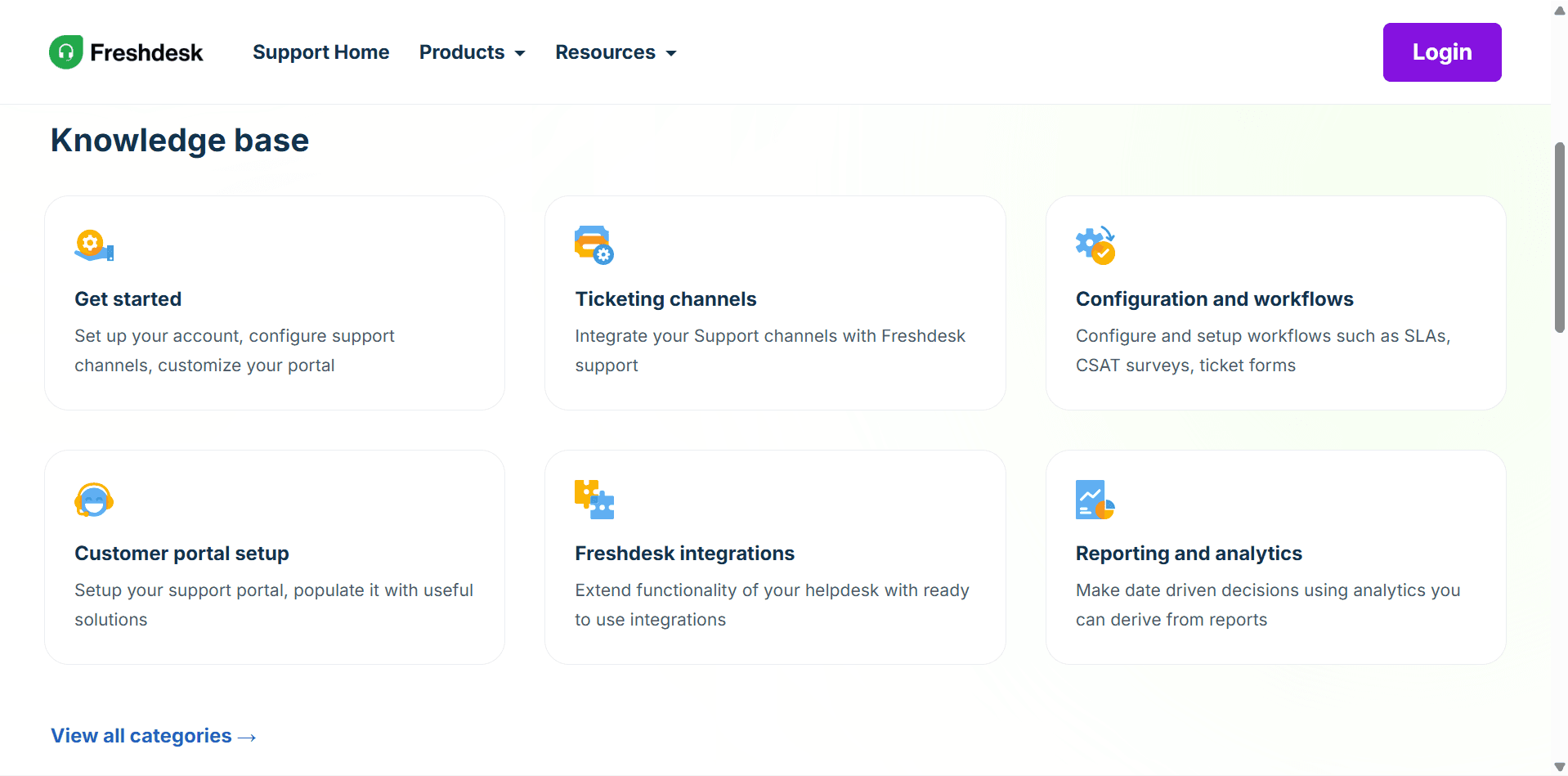
Freshdesk is an AI-powered customer support platform developed by Freshworks.
Instead of managing customer emails across multiple inboxes, Freshdesk converts every customer inquiry into a support ticket that your team can organize, prioritize, assign, and resolve efficiently.
Freshdesk supports multiple communication channels including:
Email
Live chat
Phone
Social media
WhatsApp
Web forms
Customer portals
This creates a single workspace where your support team can manage every customer conversation.
Creating Your Freshdesk Account
Getting started is simple.
Step 1
Visit the Freshdesk website.
Step 2
Create a free account.
Step 3
Enter your company information.
Step 4
Choose your help desk URL.
Example:
yourcompany.freshdesk.com
Step 5
Invite support agents if you’re working with a team.
After setup, you’ll arrive at the Freshdesk dashboard.
Understanding the Freshdesk Dashboard
Before creating tickets, it’s helpful to understand the main sections.
Dashboard
The dashboard provides an overview of:
Open tickets
Pending tickets
Resolved tickets
Team performance
Customer satisfaction
Recent activity
Tickets
This is where all customer requests appear.
Every customer message automatically becomes a support ticket.
Contacts
Store customer information including:
Name
Email
Phone number
Company
Previous conversations
Ticket history
Knowledge Base
Create self-service articles that help customers solve common issues without contacting support.
Examples include:
FAQs
Product guides
Troubleshooting articles
Setup tutorials
Reports
Track customer support performance through detailed analytics.
Creating Your First Support Ticket
Let’s create a ticket manually.
Step 1
Click New Ticket.
Step 2
Enter the customer’s name and email.
Step 3
Add a subject.
Example:
Unable to Reset Password
Step 4
Describe the issue.
Step 5
Choose:
Priority
Status
Group
Assigned agent
Step 6
Click Create.
The ticket now appears in your ticket queue.
Understanding Ticket Statuses
Freshdesk organizes tickets using statuses.
Common statuses include:
Open
The ticket has been received but not yet worked on.
Pending
The support agent is waiting for customer information.
Resolved
The issue has been fixed.
Closed
The ticket has been completed and archived.
Setting Ticket Priorities
Not every customer request has the same urgency.
Freshdesk allows you to prioritize tickets.
Priority options include:
Low
Medium
High
Urgent
Examples:
Low
Feature requests
Medium
General product questions
High
Billing issues
Urgent
Website outages or critical system failures
Prioritizing tickets helps your team focus on the most important issues first.
Assigning Tickets to Agents
Freshdesk makes team collaboration simple.
To assign a ticket:
Open the ticket.
Click Assign To.
Select an agent.
Save your changes.
Each assigned agent receives a notification and can begin working on the issue.
Responding to Customers
Inside every ticket, agents can:
Reply by email
Add internal notes
Attach files
Insert canned responses
Mention teammates
Track customer conversations
All communication remains organized within a single ticket.
Using Ticket Categories
Categories help organize support requests.
Examples include:
Billing
Technical Support
Sales
Product Questions
Refund Requests
Account Issues
Feature Requests
Organizing tickets makes reporting and automation much easier.
Creating SLA Policies
Service Level Agreements (SLAs) define how quickly your team should respond to customers.
Example policy:
First response within 1 hour
Resolution within 24 hours
Freshdesk tracks SLA performance automatically and alerts agents before deadlines are missed.
Automating Your Support Workflow
Automation is one of Freshdesk’s biggest strengths.
Examples include:
Auto-Assign Tickets
Automatically assign billing questions to the finance team.
Auto-Prioritize
Mark tickets containing words like “urgent” or “down” as High Priority.
Automatic Status Changes
Close tickets automatically after several days of inactivity.
Reminder Notifications
Notify agents when SLA deadlines are approaching.
Automation reduces manual work and ensures tickets don’t fall through the cracks.
Using Canned Responses
Many customer questions are repetitive.
Freshdesk allows you to save frequently used replies.
Examples:
Welcome messages
Password reset instructions
Refund policies
Shipping updates
Billing explanations
Agents can insert these responses with one click, saving significant time.
Building a Knowledge Base
Freshdesk includes a powerful knowledge base.
You can create articles covering topics such as:
Getting Started
Frequently Asked Questions
Product Tutorials
Troubleshooting Guides
Account Management
A well-maintained knowledge base reduces ticket volume and improves customer satisfaction.
Managing Multiple Support Channels
Freshdesk supports omnichannel customer support.
Customers can contact your business through:
Email
Live Chat
Phone
Facebook
Instagram
WhatsApp
Contact Forms
Regardless of where the message originates, everything appears inside Freshdesk as a support ticket.
Freshdesk AI Features
Freshdesk includes AI-powered tools that help support teams work more efficiently.
Depending on your plan, AI can assist with:
Suggested replies
Ticket summaries
Conversation analysis
Ticket categorization
Sentiment detection
Agent productivity
These features help reduce response times while maintaining consistent customer service.
Reports and Analytics
Freshdesk provides detailed reporting for managers.
Track metrics including:
First response time
Average resolution time
Customer satisfaction (CSAT)
Agent productivity
Ticket volume
SLA compliance
Resolution rates
These insights help identify bottlenecks and improve team performance.
Freshdesk Integrations
Freshdesk integrates with hundreds of business tools.
Popular integrations include:
Slack
Microsoft Teams
Zapier
Shopify
HubSpot
Salesforce
Jira
Mailchimp
These integrations allow customer data to flow seamlessly between platforms.
Freshdesk Pricing
Free
Includes:
Email ticketing
Knowledge base
Basic automation
Mobile app
Team collaboration
Ideal for small businesses and startups.
Growth
Adds:
Automation
Collision detection
Business hours
Customer portal customization
Great for growing support teams.
Pro
Includes:
AI features
Advanced reporting
Multiple SLAs
Custom roles
More automation
Best for medium-sized businesses.
Enterprise
Designed for larger organizations requiring:
Advanced security
Custom apps
Enterprise reporting
Advanced AI
Dedicated support
For current pricing, visit the Freshdesk website.
Pros and Cons
Pros
Easy to use
Excellent ticket management
Strong automation features
Omnichannel support
AI-powered tools
Generous free plan
Powerful reporting
Cons
Advanced AI requires higher-tier plans
Some customizations require premium plans
Large organizations may need time to configure workflows
Is Freshdesk Worth It?
For most businesses, Freshdesk offers an excellent balance of ease of use, automation, collaboration, and scalability.
Its free plan is suitable for many small businesses, while paid plans provide the advanced automation and analytics needed by larger support teams.
Whether you’re supporting dozens or thousands of customers, Freshdesk provides the tools needed to deliver fast, organized, and professional customer service.
Final Verdict
Freshdesk remains one of the best help desk and ticketing systems available in 2026.
It combines ticket management, customer communication, automation, AI features, reporting, and collaboration into a single platform that’s easy to learn and powerful enough to scale with your business.
If you’re looking to improve customer support, streamline ticket handling, and create a better experience for both customers and support agents, Freshdesk is an excellent choice.
Frequently Asked Questions
What should readers know first?
Add a short, helpful answer for this article here.
Who is this article for?
Explain who will benefit most from this article.
What is the next step?
Give readers a clear next action or takeaway.
Related Articles
Freshdesk Review
Best Help Desk Software in 2026
Zendesk vs Freshdesk
HubSpot Service Hub Review
Best CRM Software for Small Businesses
Zapier vs Make: How to Automate Your Business
10 SaaS Tools Every Online Business Needs
The Best AI Tools for Entrepreneurs in 2026


