I Built a Client Pipeline Using Only Free Tools (And You Can Too)
I Built a Client Pipeline Using Only Free Tools (And You Can Too)

One of the biggest misconceptions about starting a business is that you need expensive software to generate leads and land clients.
When I first started building a client acquisition system, I assumed I’d need premium CRM software, advanced marketing automation platforms, paid lead generation tools, and expensive sales software.
I was wrong.
In reality, it’s possible to build a complete client pipeline using entirely free tools.
From capturing leads and organizing prospects to scheduling calls and managing follow-ups, there are free solutions available for almost every step of the process.
In this article, I’ll show you how to build a client pipeline using only free tools and explain the exact workflow many freelancers, consultants, agencies, and solopreneurs use to attract and convert clients without spending money on software.
Quick Overview
Pipeline Stage | Free Tool |
|---|---|
Lead Generation | |
Contact Collection | Google Forms |
CRM | HubSpot Free CRM |
Scheduling | Calendly Free |
Email Marketing | MailerLite Free |
Project Management | ClickUp Free |
Automation | Zapier Free |
Documentation | Notion Free |
🎥 Watch the Full Video Walkthrough
[Embed YouTube Video Here]
Why Most New Businesses
Overcomplicate Client Acquisition
Many business owners start by purchasing software before they have clients.
Typical spending includes:
CRM subscriptions
Email marketing software
Automation tools
Funnel builders
Scheduling tools
Project management software
Before long, monthly expenses can easily exceed hundreds of dollars.
The truth is that software doesn’t generate clients.
A simple system executed consistently often outperforms a complicated stack of expensive tools.
The Goal of a Client Pipeline
A client pipeline should help you:
Find prospects
Capture contact information
Organize leads
Follow up consistently
Schedule calls
Close clients
Deliver services
Every tool in this guide supports one of those goals.
Step 1: Generate Leads with LinkedIn
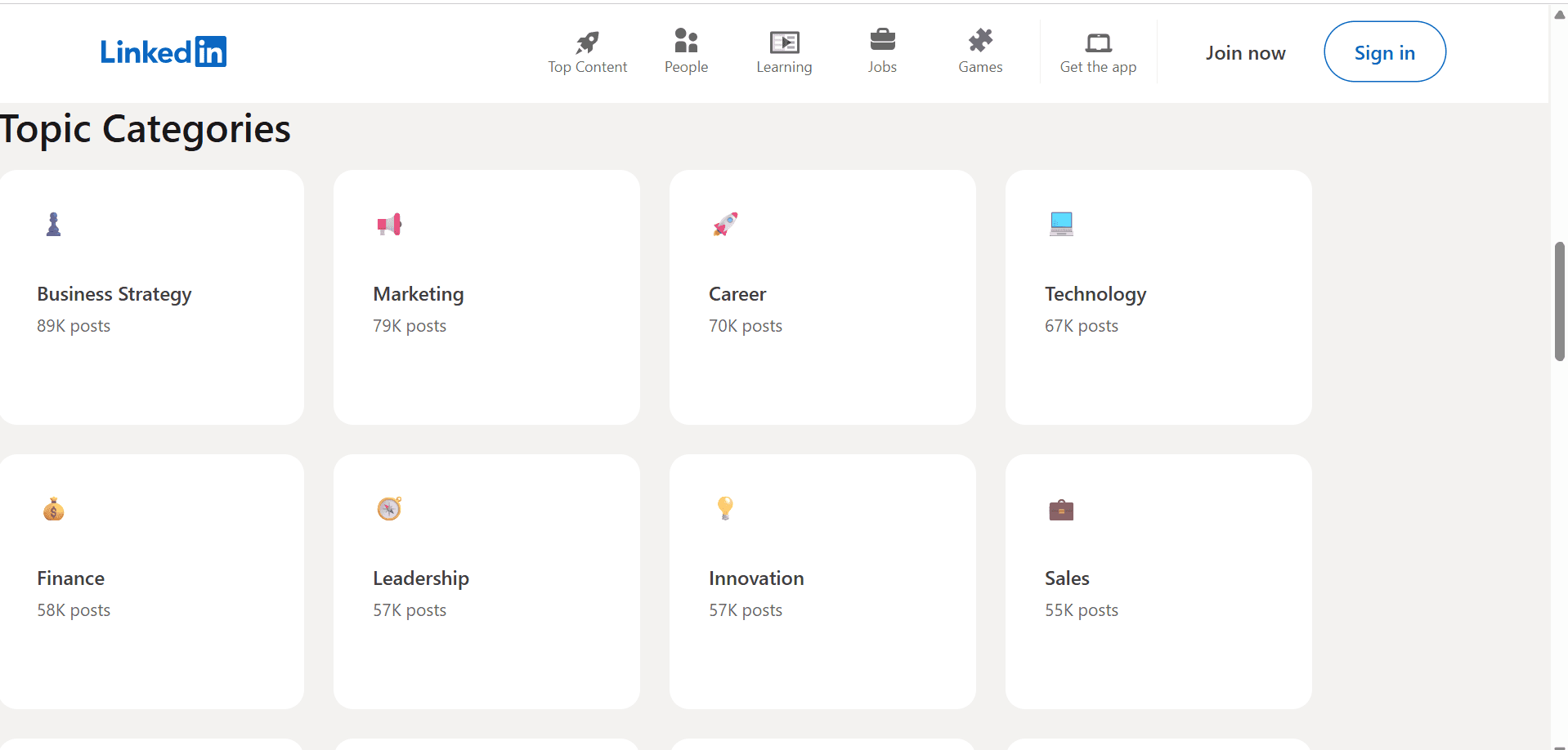
For many service-based businesses, LinkedIn remains one of the most effective free lead generation platforms.
Potential lead sources include:
Business owners
Founders
Marketing managers
Agency owners
Startup teams
Local businesses
You can:
Publish content
Send connection requests
Engage with prospects
Join industry conversations
The goal is not immediate selling.
The goal is starting conversations.
Step 2: Capture Leads with Google Forms
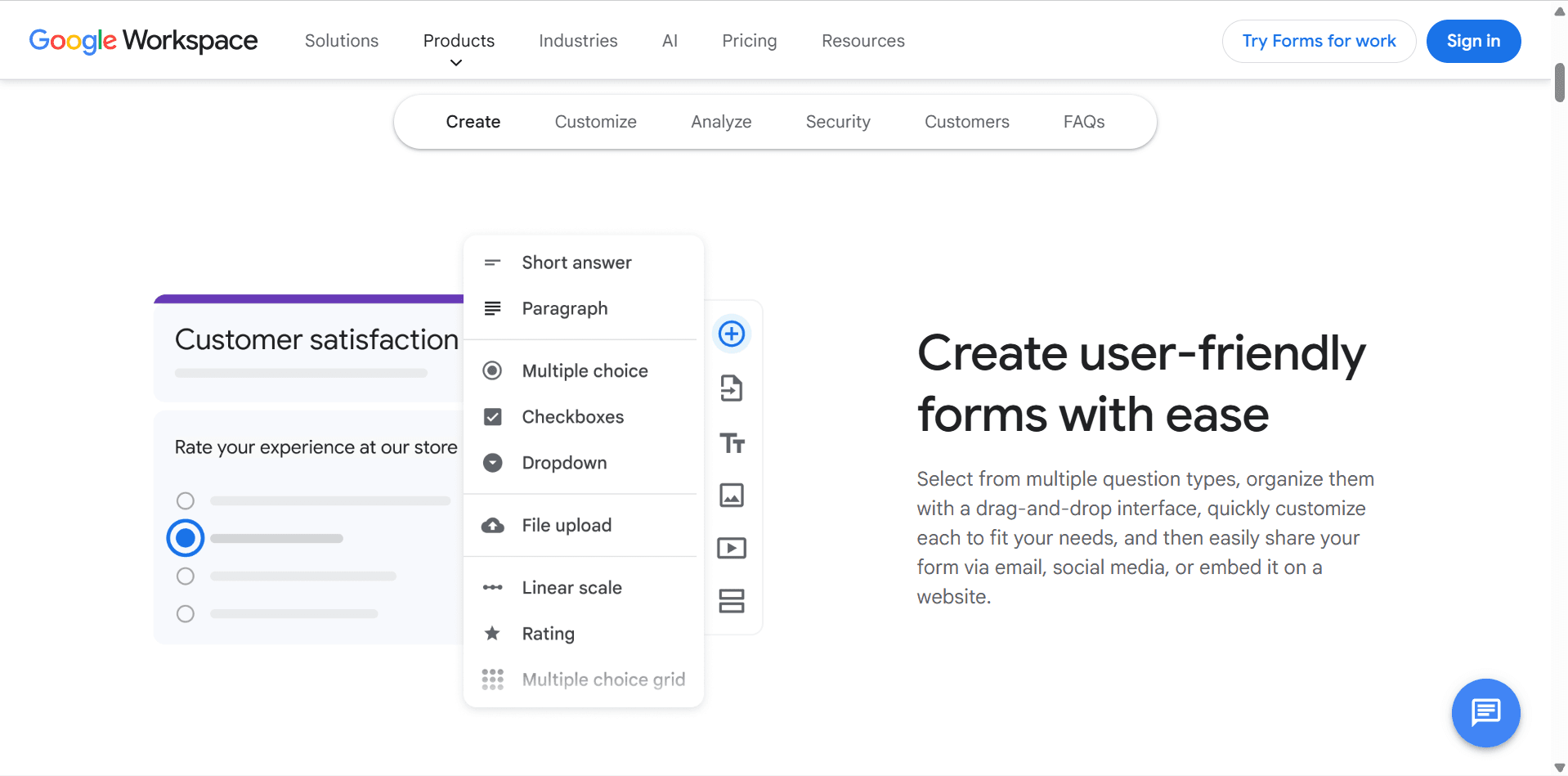
Once prospects show interest, you need a way to collect information.
Google Forms is one of the simplest free lead capture tools available.
Example fields:
Name
Email
Company
Website
Project goals
Budget range
Benefits include:
Completely free
Easy setup
Automatic data collection
Integrates with many tools
This acts as your first qualification step.
Step 3: Organize Leads with HubSpot Free CRM
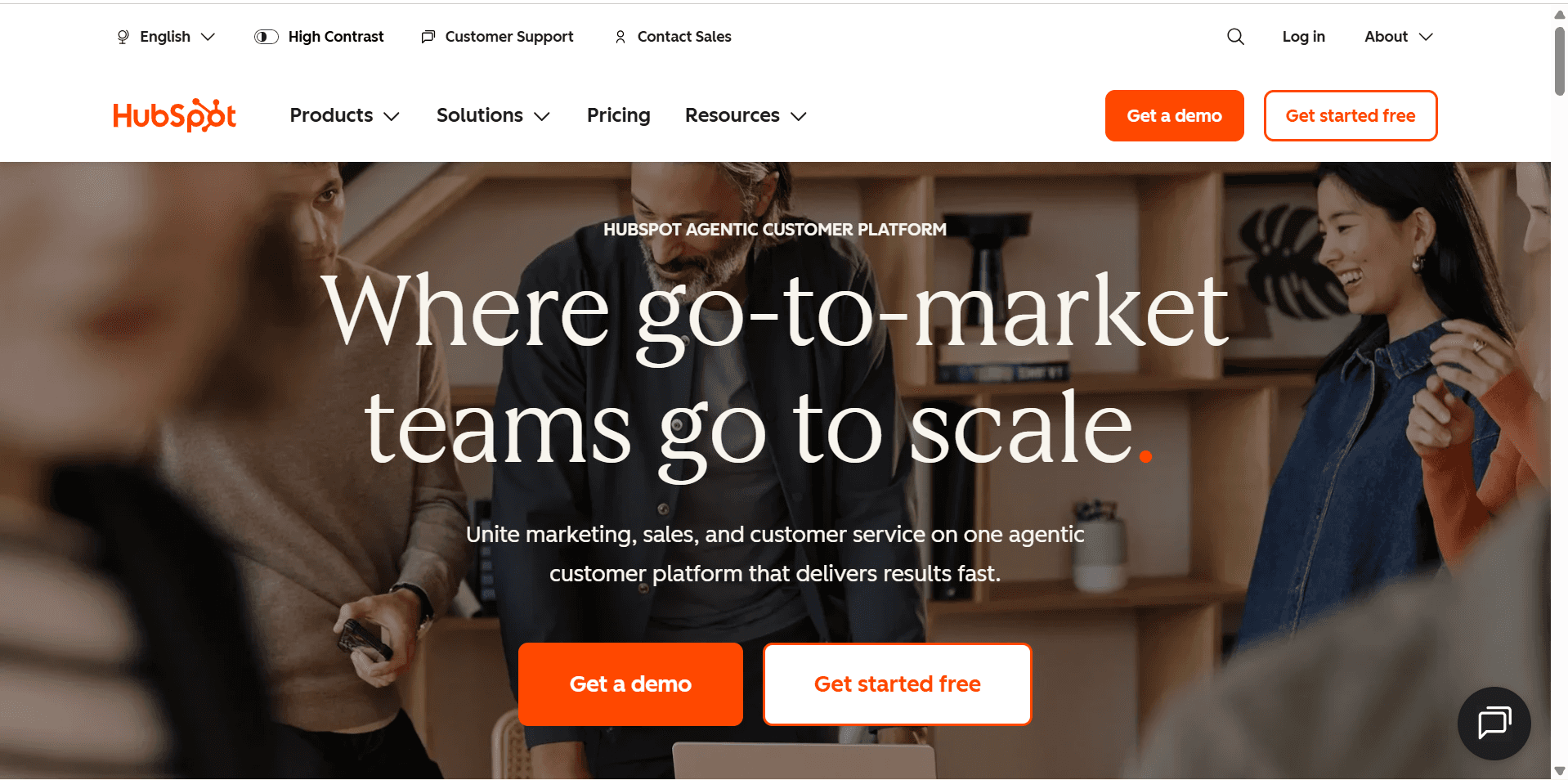
As leads begin arriving, spreadsheets become difficult to manage.
HubSpot’s free CRM helps organize prospects in one place.
Track:
Contact information
Lead status
Notes
Emails
Meeting history
Example pipeline:
New Lead
↓
Qualified
↓
Discovery Call Scheduled
↓
Proposal Sent
↓
Client Won
The visual pipeline makes it easy to understand where every prospect stands.
Step 4: Schedule Calls with Calendly
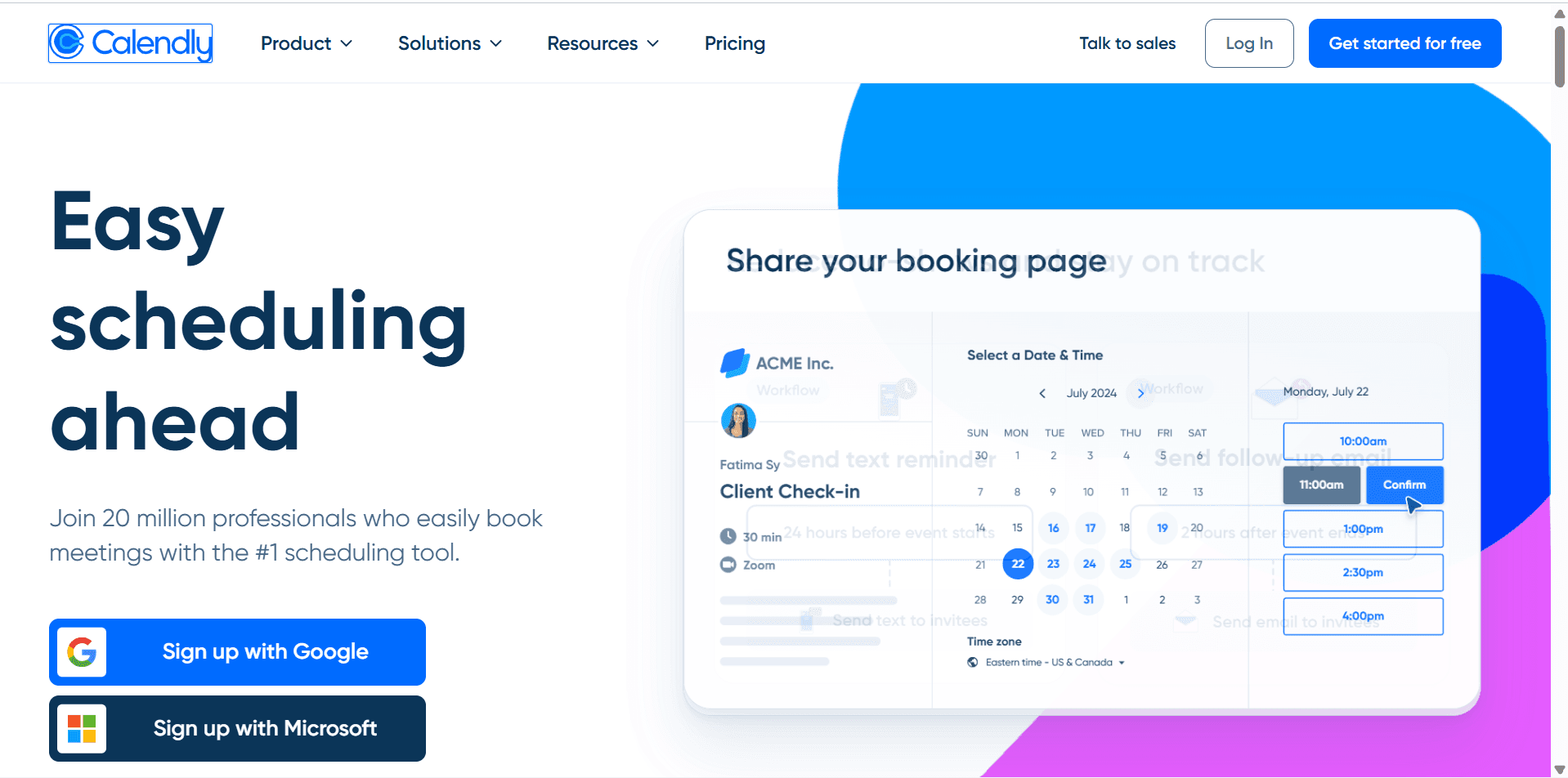
One of the biggest time wasters is manually scheduling meetings.
Calendly eliminates endless back-and-forth emails.
Instead of asking:
“What time works for you?”
Simply send your scheduling link.
Prospects choose a time that fits your availability.
Benefits:
Automatic booking
Calendar synchronization
Reminder emails
Reduced no-shows
Step 5: Build an Email List with MailerLite
Not every lead becomes a client immediately.
That’s why email marketing matters.
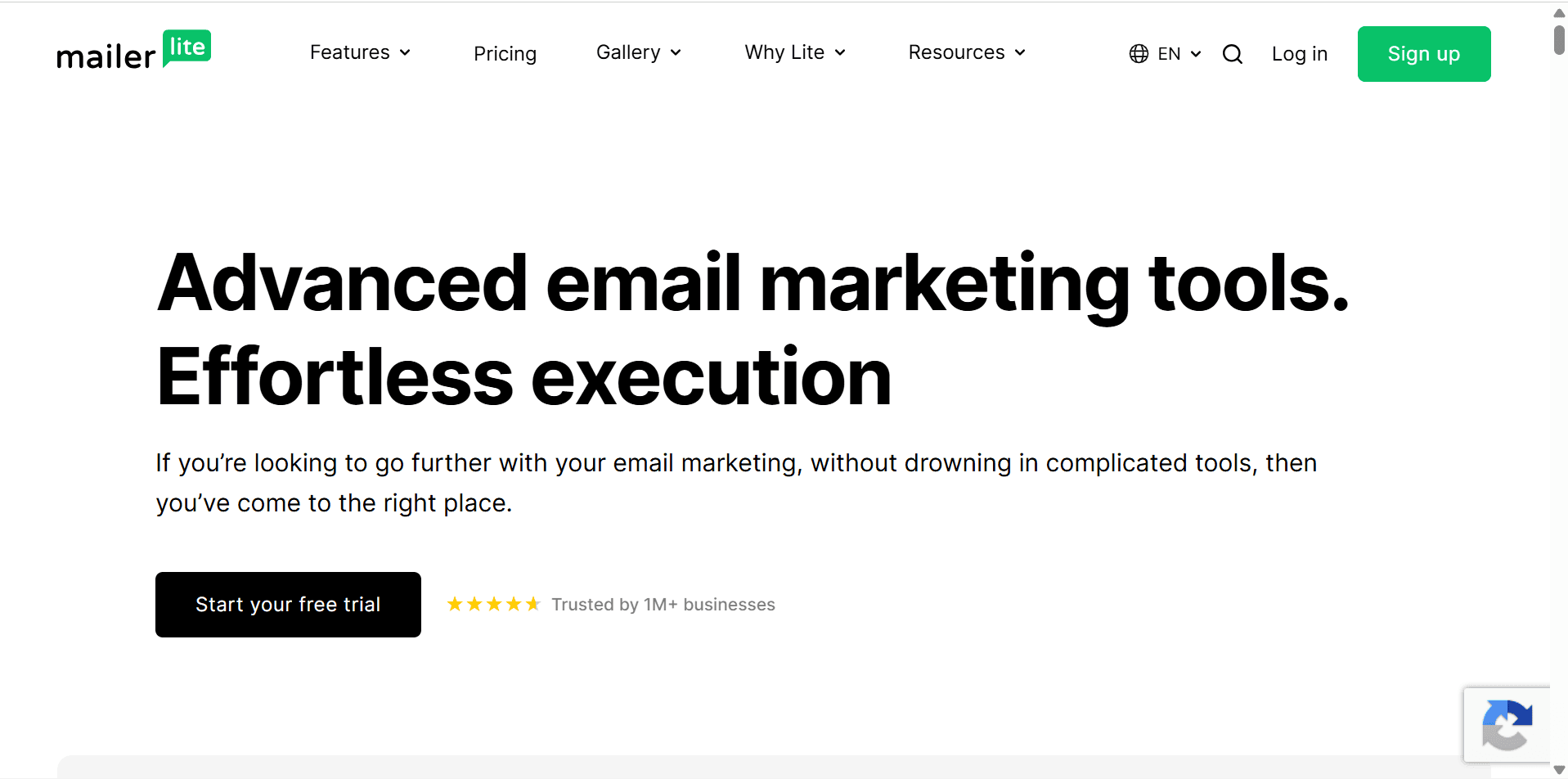
MailerLite‘s free plan allows you to:
Collect subscribers
Send newsletters
Create landing pages
Build basic automations
Example nurture sequence:
Day 1:
Welcome email
↓
Day 3:
Helpful resource
↓
Day 7:
Case study
↓
Day 14:
Service offer
This keeps your business top-of-mind.
Step 6: Manage Client Work with ClickUp
Once clients sign, you need a system for managing projects.
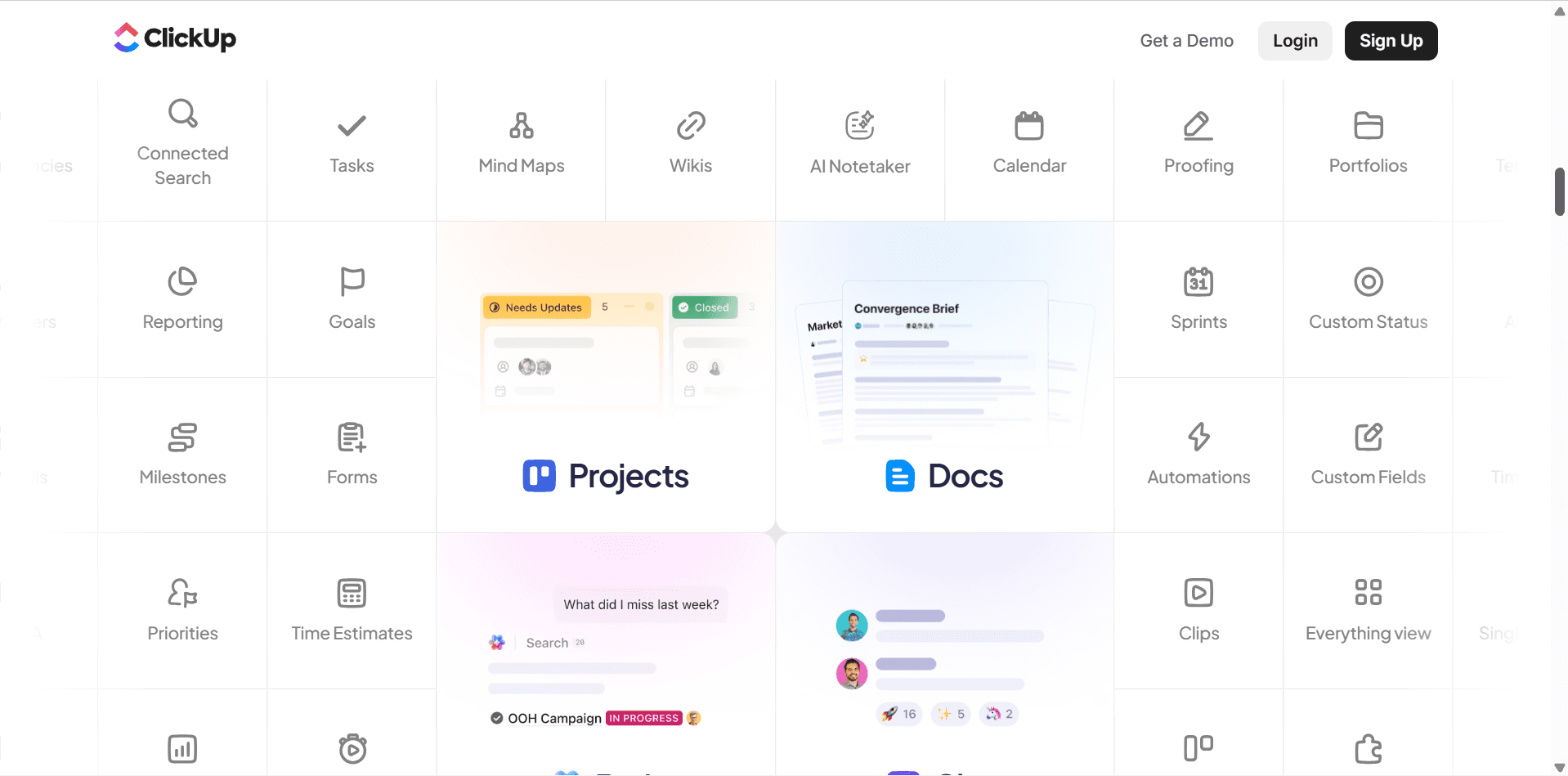
ClickUp‘s free plan provides:
Task management
Due dates
Checklists
Project boards
Client workflows
Example project:
Website Redesign
Discovery
Wireframes
Design
Development
Review
Launch
Everything stays organized in one place.
Step 7: Store Documentation in Notion
Every business generates information.
Examples include:
SOPs
Client onboarding documents
Meeting notes
Content plans
Service packages
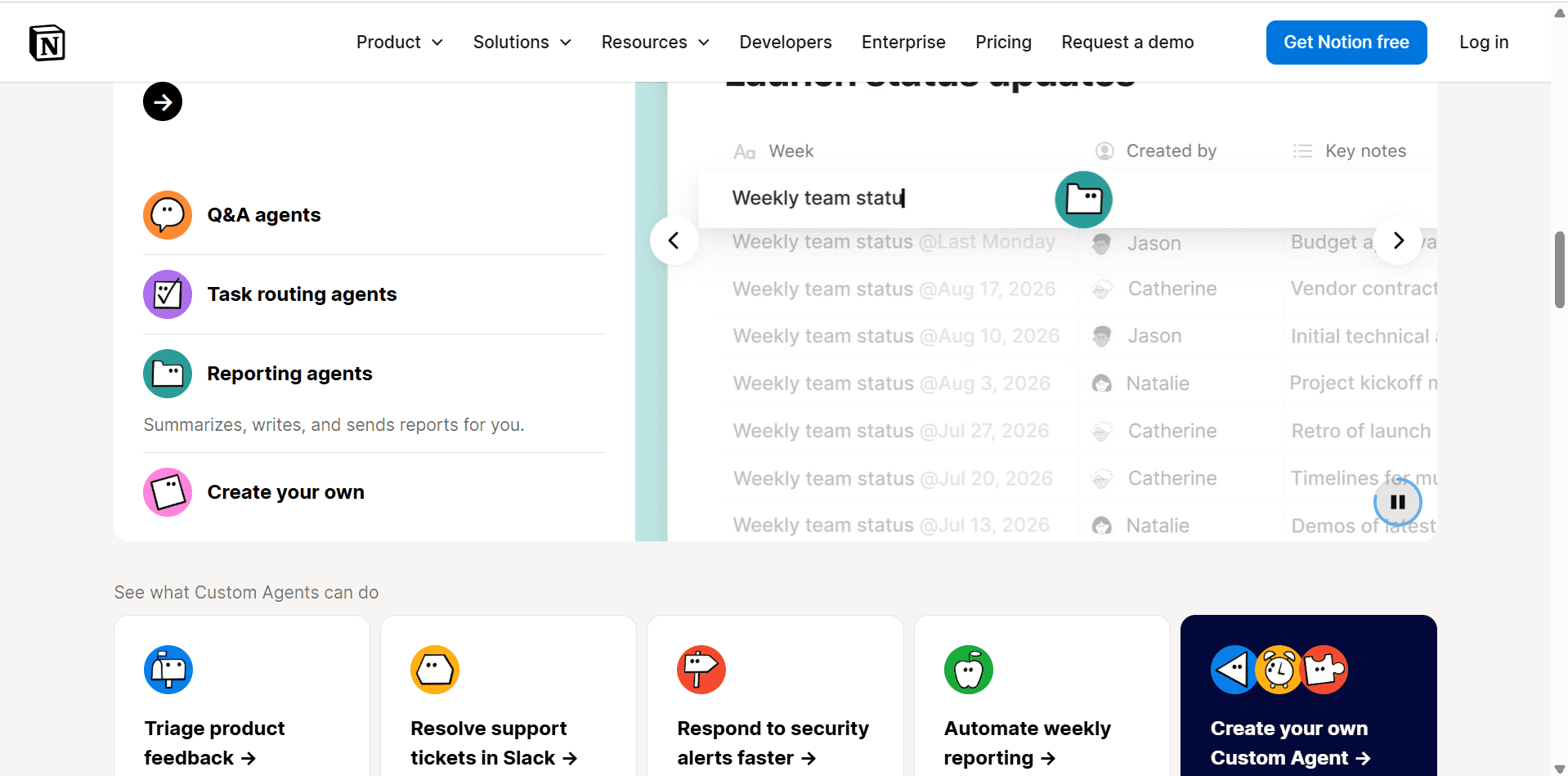
Notion provides a centralized knowledge hub.
This prevents important information from becoming scattered across multiple apps.
Step 8: Connect Everything with Zapier
As your business grows, repetitive tasks begin consuming time.
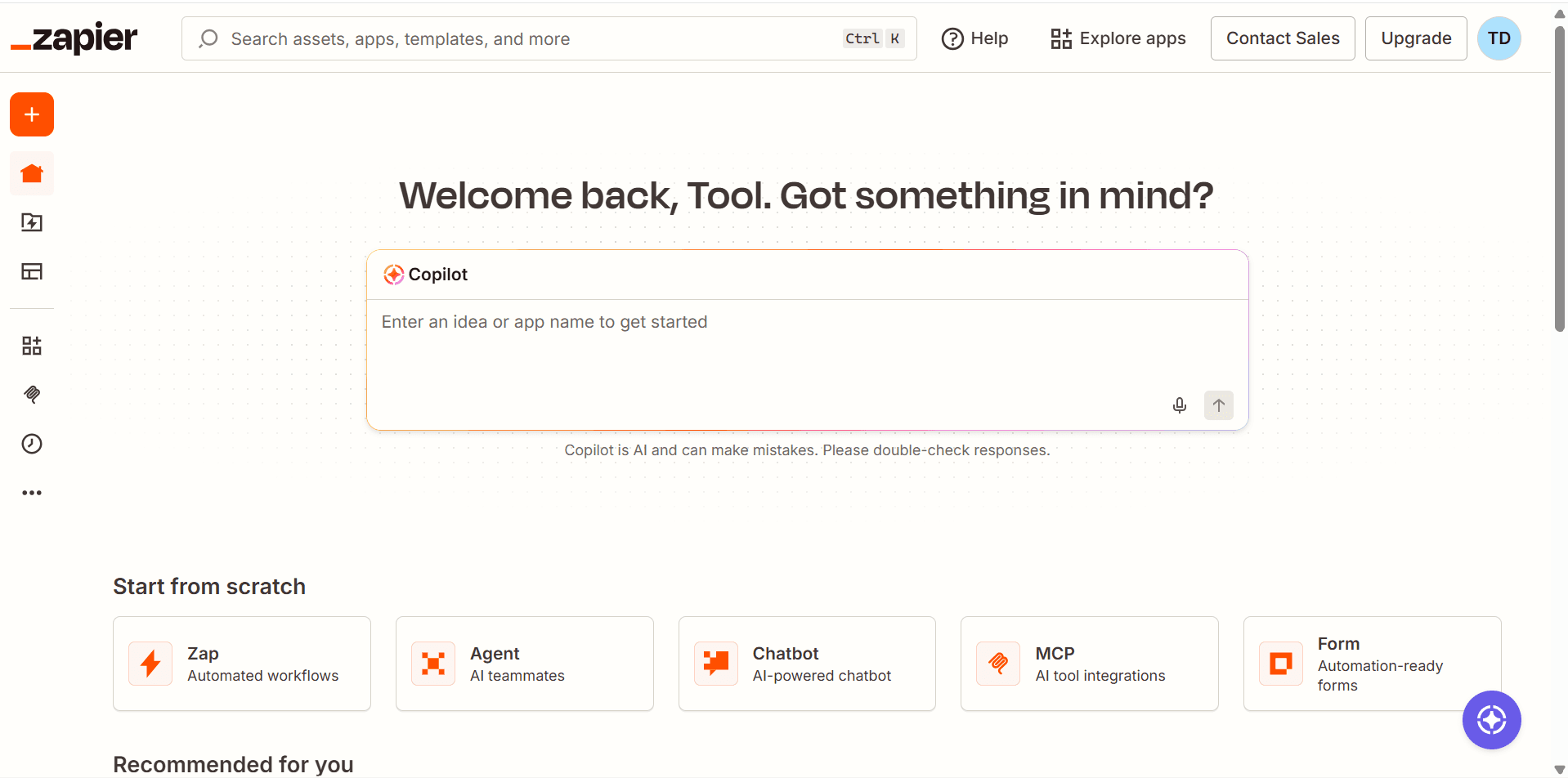
Zapier helps automate workflows between free tools.
Examples:
Google Form Submission
↓
Create Contact in HubSpot
↓
Add Subscriber to MailerLite
↓
Create Task in ClickUp
These automations reduce manual work and improve consistency.
My Complete Free Client Pipeline
Here’s how the full system works:
LinkedIn Lead
↓
Google Form
↓
HubSpot CRM
↓
Calendly Call
↓
Proposal
↓
Client Signs
↓
ClickUp Project
↓
Notion Documentation
↓
MailerLite Follow-Up
↓
Zapier Automation
Every stage is handled using free software.
Advantages of Using Free Tools
Low Startup Costs
You can begin acquiring clients without major software expenses.
Easy to Learn
Most free tools are beginner-friendly.
Flexible Growth
You can upgrade only when your business actually needs additional features.
Proven Systems
Many successful freelancers and agencies start with similar setups.
Limitations of Free Tools
While free plans are excellent, they have limitations.
Common restrictions include:
Usage limits
Automation caps
Branding
Advanced reporting
Team collaboration features
Eventually, growing businesses may benefit from paid plans.
However, many solopreneurs can operate successfully on free tools for a long time.
Can you really build a client pipeline for free?
Yes. Modern free software provides enough functionality for lead generation, CRM, scheduling, project management, and email marketing.
What is the best free CRM?
HubSpot’s free CRM is one of the strongest options available.
What is the best free project management tool?
ClickUp offers one of the most generous free plans.
Do I need automation software?
Not initially. Many businesses start manually and introduce automation later.
Key Lessons Learned
Building a client pipeline taught me several important lessons:
Simplicity beats complexity.
Consistency matters more than software.
Organization improves conversion rates.
Automation should support a process, not replace it.
Free tools are often enough when you’re getting started.
The most important factor is taking action and building relationships with prospects.
Final Verdict
You don’t need expensive software to build a functioning client acquisition system.
Using free tools like HubSpot CRM, Calendly, MailerLite, ClickUp, Notion, Google Forms, LinkedIn, and Zapier, it’s entirely possible to create a professional client pipeline that attracts leads, nurtures relationships, and converts prospects into paying clients.
As your business grows, you can upgrade individual tools when needed.
But in the beginning, the best investment isn’t software.
It’s consistently using the tools you already have.
Frequently Asked Questions
Related Articles
Best CRM Software for Small Businesses
HubSpot Review
MailerLite Review
ClickUp Review
Notion Review
Best Lead Generation Tools
Best Project Management Tools for Solopreneurs
Zapier Review


