Notion vs Obsidian vs Evernote:
Which Knowledge System Wins in 2026?

Building a reliable knowledge management system can dramatically improve your productivity.
Whether you’re a student, entrepreneur, content creator, researcher, or professional, the ability to capture, organize, and retrieve information efficiently can save countless hours and help you make better decisions.
Three of the most popular tools in this space are Notion, Obsidian, and Evernote.
While all three help you manage information, they take very different approaches.
Notion focuses on flexibility and business organization, Obsidian specializes in connected thinking and personal knowledge management, and Evernote prioritizes simple note-taking and information capture.
So which one is actually the best?
Let’s compare Notion vs Obsidian vs Evernote and see which knowledge system wins in 2026.
Quick Overview
Best For: Knowledge management, note-taking, research, learning, and productivity
Ideal Users: Entrepreneurs, students, researchers, creators, writers, and professionals
Pricing: Free plans available
Best Overall: Notion
Best for Personal Knowledge Management: Obsidian
Best for Simple Note-Taking: Evernote
Watch the Full Video Comparison
[Embed YouTube Video Here]
What Is a Knowledge Management System?
A knowledge management system helps you collect, organize, store, and retrieve information.
Examples include:
Research notes
Meeting notes
Business documentation
SOPs
Book notes
Content ideas
Project information
Learning resources
The goal is not simply storing information.
The goal is building a system that helps you find and use information when you need it.
The Competitors
Notion

Notion is an all-in-one workspace that combines:
Notes
Databases
Wikis
Documentation
Project management
Content planning
Knowledge management
Many entrepreneurs use Notion as the central operating system for their business.
Obsidian
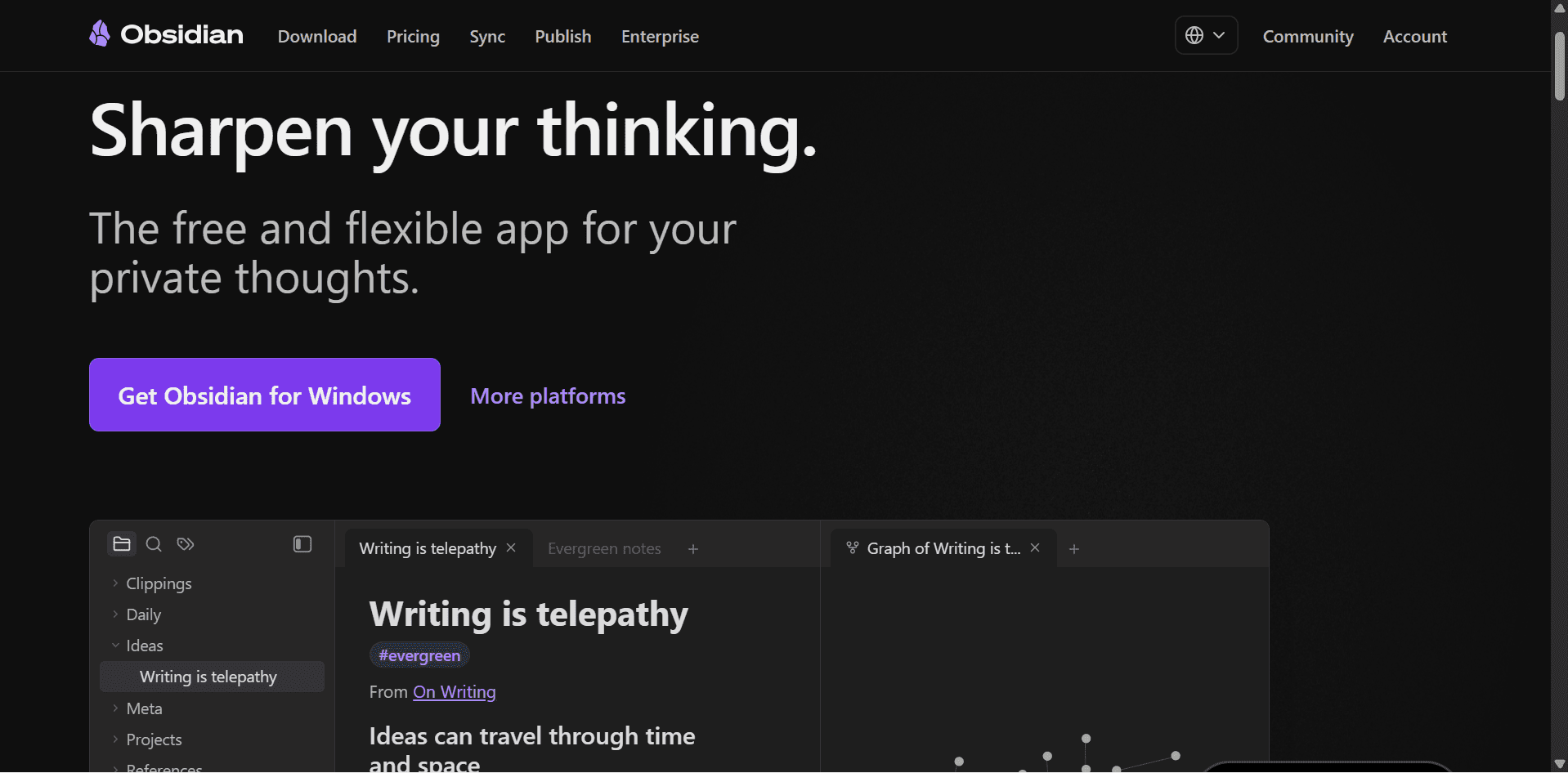
Obsidian is a personal knowledge management platform built around linked notes.
Its philosophy is simple:
Ideas become more valuable when they are connected.
Obsidian is particularly popular among:
Researchers
Writers
Students
Developers
Lifelong learners
Evernote

Evernote is one of the original note-taking applications.
It focuses on:
Quick note capture
Information organization
Web clipping
Document storage
Searchability
Evernote remains one of the easiest tools to start using.
Feature Comparison
Feature | Notion | Obsidian | Evernote |
|---|---|---|---|
Note-Taking | Excellent | Excellent | Very Good |
Knowledge Management | Excellent | Excellent | Good |
Linked Notes | Basic | Excellent | Limited |
Databases | Excellent | Limited | Limited |
Collaboration | Excellent | Limited | Good |
Project Management | Very Good | Basic | Basic |
Offline Access | Good | Excellent | Very Good |
Customization | Very Good | Excellent | Limited |
Learning Curve | Moderate | Moderate to High | Easy |
Business Use | Excellent | Good | Good |
Ease of Use
Evernote
Evernote is the easiest platform to learn.
You simply:
Create notes
Organize notes
Search notes
There are very few advanced concepts to learn.
If you want simplicity, Evernote is hard to beat.
Notion
Notion strikes a balance between usability and flexibility.
You can start with simple notes but eventually build:
Databases
Wikis
Dashboards
Knowledge systems
Business operating systems
The flexibility comes with a learning curve, but most users become productive quickly.
Obsidian
Obsidian requires the most setup and learning.
Concepts such as:
Markdown
Backlinks
Graph views
Plugins
May feel unfamiliar to beginners.
However, advanced users often consider the learning investment worthwhile.
Winner
Evernote for simplicity
Notion for balance
Note-Taking
All three platforms handle note-taking well.
The differences appear in how those notes are organized.
Notion
Notion combines notes with databases and workspace organization.
Ideal for:
Business documentation
Content planning
Team collaboration
Project information
Obsidian
Obsidian uses markdown notes connected through links.
Ideal for:
Research
Learning
Writing
Building a second brain
Evernote
Evernote focuses on traditional notebooks and note organization.
Ideal for:
Personal notes
Quick reference material
Meeting notes
Winner
Tie between Notion and Obsidian
Knowledge Management
This is where the competition becomes interesting.
Notion
Notion excels at structured knowledge.
Examples:
SOP libraries
Company wikis
Documentation systems
Research databases
Content repositories
Information can be filtered, sorted, and organized using databases.
Strengths
Structured organization
Powerful databases
Team collaboration
Business-friendly workflows
Obsidian
Obsidian focuses on connected knowledge.
Instead of storing isolated notes, every note can connect to other notes.
Example:
SEO
↓
Keyword Research
↓
Content Strategy
↓
Marketing Funnels
↓
Customer Research
Over time, your knowledge base becomes an interconnected network.
Strengths
Connected thinking
Knowledge discovery
Deep learning
Research workflows
Winner
Notion for structured knowledge
Obsidian for connected knowledge
Linked Notes and Backlinks
This category belongs to Obsidian.
One of Obsidian’s most powerful features is backlinks.
Every note can automatically connect with related notes.
For example:
A note about Content Marketing might automatically connect to:
SEO
Copywriting
Email Marketing
Lead Generation
As your vault grows, these connections become incredibly valuable.
Winner
Obsidian
Databases and Organization
This category strongly favors Notion.
Notion
Databases allow you to build:
Content calendars
CRMs
SOP libraries
Research systems
Project trackers
You can filter, sort, relate, and customize data however you want.
For business users, this is often a game-changer.
Winner
Notion
Obsidian
Obsidian relies more heavily on folders, links, and plugins.
While powerful, it lacks Notion’s database capabilities.
Evernote
Offers notebooks and tags but far fewer organizational options.
Collaboration
If you work with a team, collaboration matters.
Notion
Notion excels at:
Shared workspaces
Team wikis
Comments
Permissions
Collaborative editing
Many companies use Notion as their internal knowledge base.
Winner
Notion
Obsidian
Primarily designed for individual users.
Evernote
Offers collaboration but is less advanced than Notion.
Offline Access
Obsidian
Obsidian stores files locally on your device.
Benefits include:
Full ownership of notes
Faster performance
Better privacy
Offline access
Many users choose Obsidian specifically because they own their data.
Winner
Obsidian
Evernote
Good offline functionality.
Notion
Improving, but still primarily cloud-based.
Customization
Obsidian
Obsidian offers one of the most customizable experiences available.
Users can install:
Themes
Plugins
Community extensions
Workflow enhancements
The platform can be tailored to almost any workflow.
Winner
Obsidian
Notion
Flexible but more controlled.
Evernote
Limited customization.
Best Tool for Different Users
Entrepreneurs
Winner: Notion
The combination of knowledge management, documentation, project management, and databases makes it ideal for running a business.
Students
Winner: Obsidian
Excellent for connecting ideas and building long-term learning systems.
Researchers
Winner: Obsidian
Backlinks and graph views make research workflows significantly more powerful.
Content Creators
Winner: Notion
Content planning databases and editorial workflows are difficult to beat.
Teams
Winner: Notion
Collaboration features make team knowledge sharing much easier.
Casual Note-Takers
Winner: Evernote
Simple, fast, and beginner-friendly.
Pricing Comparison
Plan Category | Notion | Obsidian | Evernote |
|---|---|---|---|
Free Plan | Yes | Yes | Yes |
Paid Plans | Available | Available | Available |
Team Features | Strong | Limited | Moderate |
Best Value | Excellent | Excellent | Good |
All three tools offer enough functionality for most users before requiring an upgrade.
Pros and Cons
Notion Pros
Powerful databases
Excellent collaboration
Great for business workflows
Flexible organization
Strong knowledge management
Notion Cons
Limited offline access
Can become complex
Requires setup time
Obsidian Pros
Outstanding linked note system
Local file ownership
Highly customizable
Excellent for research
Powerful second-brain workflows
Obsidian Cons
Steeper learning curve
Limited collaboration
Less business-focused
Evernote Pros
Easy to learn
Fast note capture
Great web clipping
Beginner-friendly
Evernote Cons
Fewer advanced features
Limited customization
Less flexible than competitors
Final Verdict
All three platforms are excellent, but they serve different types of users.
Choose Notion if:
You run a business
You need databases
You want collaboration features
You want an all-in-one workspace
Choose Obsidian if:
You value connected thinking
You build a second-brain system
You conduct research
You want complete ownership of your notes
Choose Evernote if:
You want simplicity
You primarily take notes
You need quick information capture
For most entrepreneurs, creators, freelancers, and online business owners, Notion offers the best overall balance of knowledge management, organization, and productivity.
For serious researchers and lifelong learners, Obsidian may be the most powerful knowledge system available today.
The real winner depends on whether you’re managing information, managing knowledge, or managing a business.
Frequently Asked Questions
Is Notion better than Obsidian?
For business workflows and structured information management, yes.
For research, learning, and personal knowledge management, many users prefer Obsidian.
Is Evernote still relevant in 2026?
Yes. It remains one of the easiest note-taking tools available and works well for users who prioritize simplicity.
Which tool is best for a second-brain system?
Obsidian is widely considered one of the best second-brain tools available.
Which tool is best for entrepreneurs?
Notion is usually the strongest choice because it combines documentation, project management, databases, and collaboration in one platform.
Related Articles
Create a Simple CRM Using Notion
ClickUp vs Notion
Monday.com vs Notion
Building a One-Person Business Operating System From Scratch
The Ultimate Content Calendar System for Entrepreneurs
Best Productivity Tools for Entrepreneurs in 2026
Notion Tutorial: How to Use Notion in 2026


